
- FREE
- OLD RELEASE
- FC 26
- FIFER COMPATIBLE
- KIARIKA COMPATIBLE
- +3 MORE
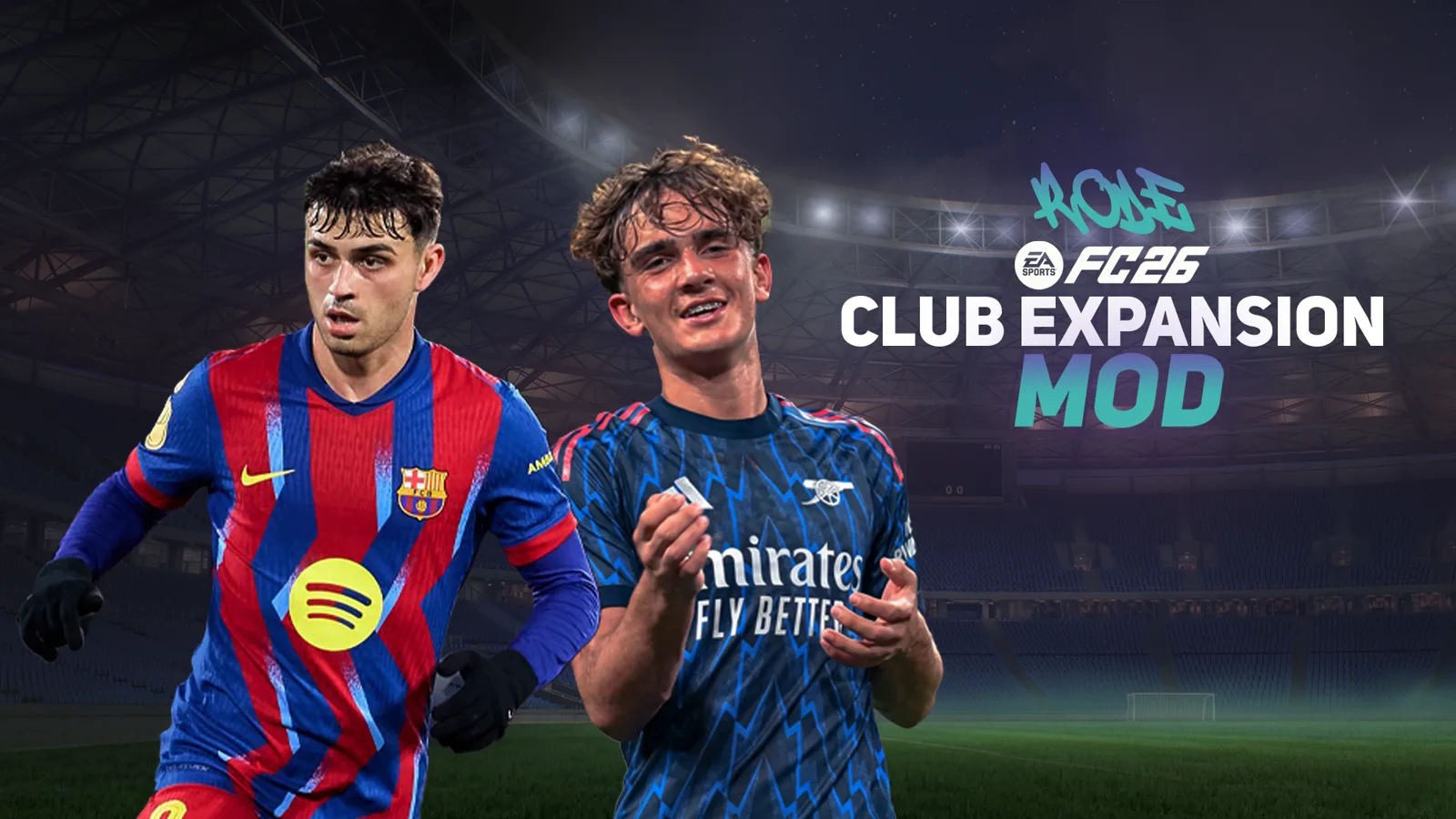
RODE's FC26 Club Expansion Mod
The 2025/26 season, expanded. Free.
This is an old release. It stays available, but new updates go to the current mods.
Free download. The file is hosted on Nexus Mods and ModsFire, not on this site.
Download FC26 CEM
- Version1
- GameFC 26
- Updated3 Sept 2026
- Hosted onNexus Mods · ModsFire
- Version 1On Nexus Mods and ModsFire


Before you install
Set it up for your game
Tick the mods you already play with. You get your setup, the squadfile to load and the exact order.
Which of these do you use?
- FIFERAbove RODE’s mods.
- KIARIKAAbove RODE’s mods.
- eSIMBetween your base mod and RODE’s mods.
- Anth'sGameplay mod: above RODE’s mods.
- LTAAbove RODE’s mods.
- FIFERAbove RODE’s mods.
- KIARIKAAbove RODE’s mods.
- eSIMBetween your base mod and RODE’s mods.
- Anth'sGameplay mod: above RODE’s mods.
- LTAAbove RODE’s mods.
- FIFERAbove RODE’s mods.
- KIARIKAAbove RODE’s mods.
- eSIMBetween your base mod and RODE’s mods.
- Anth'sGameplay mod: above RODE’s mods.
- LTAAbove RODE’s mods.
Load order
Add the mods in FIFA Mod Manager in exactly this order, top to bottom. The tab already matches the mods you ticked.
For players using only RODE's Club Expansion Mod.
RODE
- RODE's FC26 Club Expansion Mod Create-A-Club Revamp ModModule7
- RODE's FC26 Club Expansion Mod New Extra Kits ModModule6
- RODE's FC26 Club Expansion Mod New Kit Fonts ModModule5
- RODE's FC26 Club Expansion Mod New Wonderkids Faces ModModule4
- RODE's FC26 Club Expansion ModMain mod3
- Other Existing Youth Faces AddonAddon2
- Chelsea Black GK Kit VariantAddon1
The mod at the bottom has the highest priority and overwrites the mods above it.
For players using FIFER's Realism Mod as the base, plus RODE's CEM, eSIM and TrueFoot Gameplay.
FIFER
- FIFER's FC26 Realism Mod Accessories Mod39
- FIFER's FC26 Realism Mod Anthems & Goal Songs Mod38
- FIFER's FC26 Realism Mod Boots & GK Gloves Mod37
- FIFER's FC26 Realism Mod Face Updates Mod36
- FIFER's FC26 Realism Mod Graphics Mod35
- FIFER's FC26 Realism Mod Manager Faces Mod34
- FIFER's FC26 Realism Mod Menu Mod33
- FIFER's FC26 Realism Mod New Faces Mod32
- FIFER's FC26 Realism Mod Tattoos Mod31
- FIFER's FC26 Realism Mod30
- Higher Quality Banner Textures Addon29
- Spain Scoreboards Pack Addon28
- No HUD Addon27
- Real Face Customizer Addon26
- ESPN (Smaller) TV Logo Addon25
TrueFoot Gameplay
- TrueFoot Gameplay Mod24
- TrueFoot Gameplay - Motion23
- TrueFoot Gameplay - Fouls (Stricter)22
- TrueFoot Gameplay - Dynamic Positioning21
- TrueFoot Gameplay - Passing Errors (Demanding)20
eSIM
- eSIM BroadcastCam 1.0 [CUSTOM] BETA - TU#1.6.219
- eSIM FreeKick 1.1 [A] - TU#1.6.218
- eSIM LUT Color Grading [NATURAL-Day] 1.1 - TU#1.6.217
- eSIM LUT Color Grading [NATURAL-Night] 1.1 - TU#1.6.216
- eSIM No Ball Bounce Marker 1.0 - TU#1.6.215
- eSIM No HUD 1.0 - TU#1.6.214
- eSIM No Player Traits Indicators (Player Career) - TU#1.6.213
- eSIM Player Shadows 1.0 - TU#1.6.212
- eSIM Real Pitch 2.2 - TU#1.6.211
- eSIM Setpieces [Switch ALT 2] 1.2 - TU#1.6.210
- eSIM TURFSREAL 1.5.1 [A] - TU#1.6.29
RODE
- RODE's FC26 Club Expansion Mod Create-A-Club Revamp ModModule8
- RODE's FC26 Club Expansion Mod New Extra Kits ModModule7
- RODE's FC26 Club Expansion Mod New Kit Fonts ModModule6
- RODE's FC26 Club Expansion Mod New Wonderkids Faces ModModule5
- RODE's FC26 Club Expansion ModMain mod4
- RODE's x FIFER's Compatibility AddonCompatibility3
- Other Existing Youth Faces AddonAddon2
- Chelsea Black GK Kit VariantAddon1
The mod at the bottom has the highest priority and overwrites the mods above it.
For players using LTA as the base, plus RODE's CEM.
Only FIFER's face and tattoo mods work with this combo.
FIFER's mods
- FIFER's FC26 Realism Mod Face Updates Mod26
- FIFER's FC26 Realism Mod Manager Faces Mod25
- FIFER's FC26 Realism Mod Graphics Mod24
- FIFER's FC26 Realism Mod New Faces Mod23
- FIFER's FC26 Realism Mod Tattoos Mod22
LTA
- LTA MOD 26 V2.521
- FIFA World Cup 2026™ DLC20
- LTA Mariano Closs19
TrueFoot Gameplay
- TrueFoot Gameplay Mod18
- TrueFoot Gameplay - Motion17
- TrueFoot Gameplay - Fouls (Stricter)16
- TrueFoot Gameplay - Dynamic Positioning15
- TrueFoot Gameplay - Passing Errors (Demanding)14
eSIM
- eSIM BroadcastCam 1.0 [CUSTOM] BETA - TU#1.6.213
- eSIM FreeKick 1.1 [A] - TU#1.6.212
- eSIM LUT Color Grading [NATURAL-Day] 1.1 - TU#1.6.211
- eSIM No Ball Bounce Marker 1.0 - TU#1.6.210
- eSIM Real Pitch 2.2 - TU#1.6.29
RODE
- RODE's FC26 Club Expansion Mod Create-A-Club Revamp ModModule8
- RODE's FC26 Club Expansion Mod New Extra Kits ModModule7
- RODE's FC26 Club Expansion Mod New Kit Fonts ModModule6
- RODE's FC26 Club Expansion Mod New Wonderkids Faces ModModule5
- RODE's FC26 Club Expansion ModMain mod4
- Other Existing Youth Faces AddonAddon3
- Chelsea Black GK Kit VariantAddon2
- RODE's x LTA Compatibility AddonCompatibility1
The mod at the bottom has the highest priority and overwrites the mods above it.
Full load order rules
Follow these rules to avoid crashes, missing features, broken kits, missing faces or wrong database content.
The bottom mod wins
In FIFA Mod Manager, the mod at the bottom has the highest priority. Lower mods can overwrite the mods above them.
Main rule
RODE's FC26 Club Expansion Mod goes below big base mods, but above most optional addons.
Big base mods
Big base mods go above the main Club Expansion Mod modules. For example:
- FIFER's Realism Mod
- LTA Mod
- Other large overhauls officially confirmed as compatible
If you use a large overhaul that is officially confirmed compatible, treat it as the base of your setup and place it above my main mods.
Compatibility addons
Compatibility addons always go below the main mods they are made for.
If you use FIFER's Realism Mod, you must install the RODE x FIFER Compatibility Addon (in Other Addons / Compatibility Mods) and place it below the main mods. The same rule applies to other compatibility addons, like the LTA x RODE compatibility files.
RODE addons
All optional addons go below the main Club Expansion Mod modules: GK variants, the Other Existing Youth Faces Addon, extra kit variants and other optional visual or content addons.
In short: main modules first, optional RODE addons below them.
Other kit mods
Other kit mods usually go below my main mods, so they have higher priority and their kits don't get overwritten. For example RODE Fantasy Kits, the Leaked Kits Pack, Kace's Fantasy Packs and other compatible kit packs.
Other compatible mods
Confirmed compatible mods like eSIM, TrueFoot Gameplay and Artisan usually don't need a strict order. If you want a safe rule, place them below my main mods, unless the mod creator says otherwise.
Unconfirmed mods
Mods that are not on the confirmed compatibility list are not guaranteed to work. Check the compatibility list in the FAQ on Discord, and if a mod isn't listed, ask its creator.
If it's not working
- Disable every mod that is not on the confirmed compatibility list.
- Launch the game and check if the mod works.
- Add your other mods back one by one.
- When the issue comes back, you've found the conflicting mod.
- In FIFA Mod Manager, use
Delete ModData and Launch.
Squad file
Make sure you load the right squad file for your setup (the mod on its own, RODE x FIFER, LTA x RODE, eSIM x RODE or another specific setup). The wrong squad file can cause missing players, missing teams, broken Career Mode content or wrong database changes.
Install it
- 1Download
Download the archive from Nexus Mods or ModsFire and extract it.
- 2Import and order
Import the .fifamod file into the EA SPORTS FC 26 Mod Manager, apply it and launch the game through the Mod Manager.
- 3Step
In the Squadfiles folder, pick the squadfile that matches your setup (its name says which mods it goes with).
- 4Squadfile
Open %localappdata%/EA SPORTS FC 26/settings, remove other files starting with "Squads" unless you need them, and paste the squadfile there.
Coming next
- Anthem jackets for the current season
- More youth players with real faces
- Missing players
- Manager outfits
Full descriptionEverything FC26 CEM changes, in detail
RODE's Club Expansion Mod for FC 26 expands the 2025/26 season you are playing, without moving the game to a new season. It is free and works alongside FIFER and many other gameplay and visual mods, because it does not edit the database.
Kits and visuals: 115 additional kits (missing third, fourth, fifth and special kits), 23 updated kits, 110 extra shorts and socks, 16 goalkeeper kit variations and 19 additional kit fonts and numbers.
Players and faces: 26 new wonderkids and academy players and 54 youth player faces.
Create-A-Club: 130 templates, new sponsors, 30 additional crests and extra club assets.
Looking for the next season? That is the New Season Mod. For FC 27, the Club Expansion Mod is being rebuilt to work with RODE Hub.
Help · on Discord
Any problem?
Something not working with FC26 CEM? Join RODE's Discord server: open a ticket or ask the community, with your setup at hand.